Connections on Stream: An Interactive Chat Game that Supercharges Engagement with Your Viewers during your streams!
This dynamic game is easily playable with you and your viewers via chat commands during your stream.
Here's how to add the game to your stream:
- Select ‘Use Scene’ and copy the URL -> Follow the instructions on adding the URL to OBS Studio
- Once added to OBS Studio you’re good to start Connections on Stream during your stream
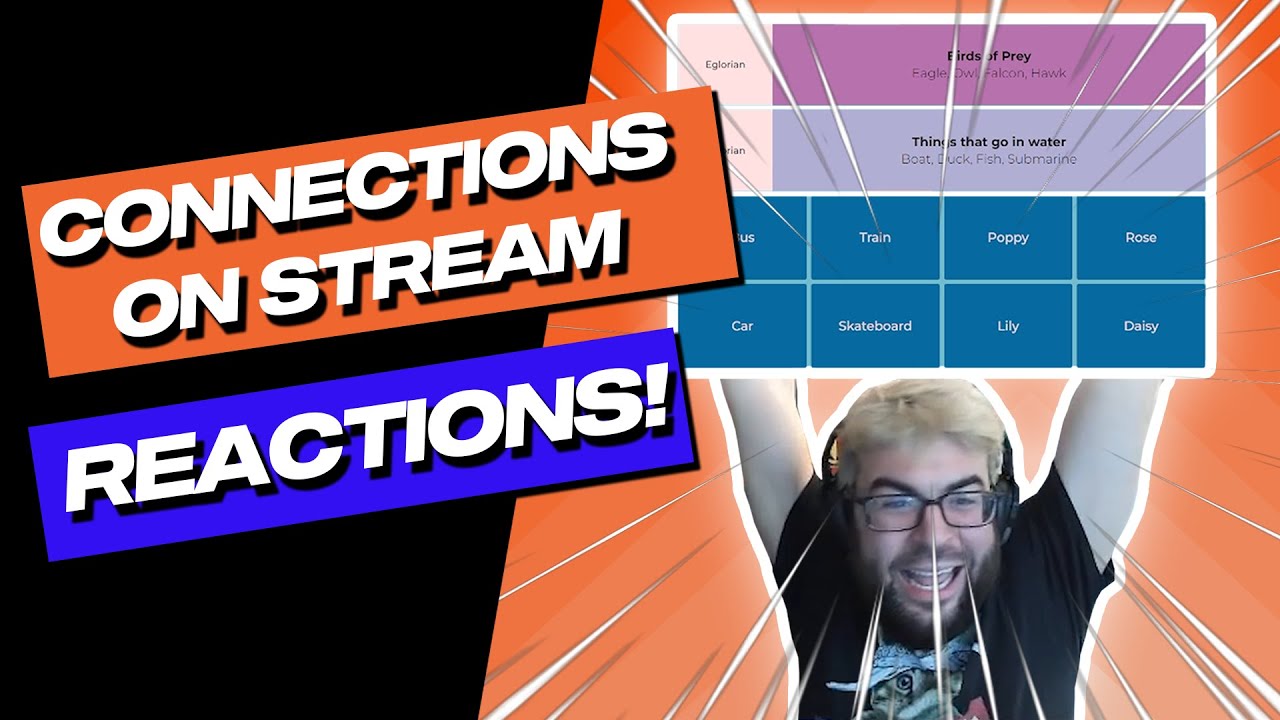
TIP: If you’re playing the game with your viewers, be sure to layer your camera on top of the game in OBS Studio so folks can see your reactions to each round!
How to play:
- The game presents a set of seemingly unrelated words on screen
- You and your viewers must identify the hidden connection between a group of 4 words
- Once you or your viewers think you’ve found a group of 4 connected words, type all of the 4 words out in chat (no commas needed, just spaces between each word)
- If you or your viewers crack the code, they earn points and impress everyone else in chat
Check out the short video below to see how to add & play Connections on Stream:

Connections on Stream is a great game to get your viewers actively involved & having fun during your streams. Take a look at these streamers having a blast playing the game with their viewers!
How to use the Streamer Control Panel
The Streamer Control Panel is designed to give you complete control over the Connections on Stream experience for you and your viewers:
Fine-tune the difficulty:
- Adjust the score multiplier to make the game more or less rewarding.
- Control the time per round to keep things fast-paced or give viewers more time to think.
- Set the next level delay to control the flow of the game.
Empower your mods:
- Enable mod control to allow your trusted moderators to help manage the game within the chat.
Create the perfect atmosphere:
- Choose a theme that matches your stream's aesthetic.
Maintain a clean chat:
- Implement mistakes control to prevent viewers from spamming incorrect guesses.
- Utilize spam control to keep the chat focused on the game.
Take control of the game:
- Use handy action buttons to force a new game round, skip a difficult set of words, or even reset the game.